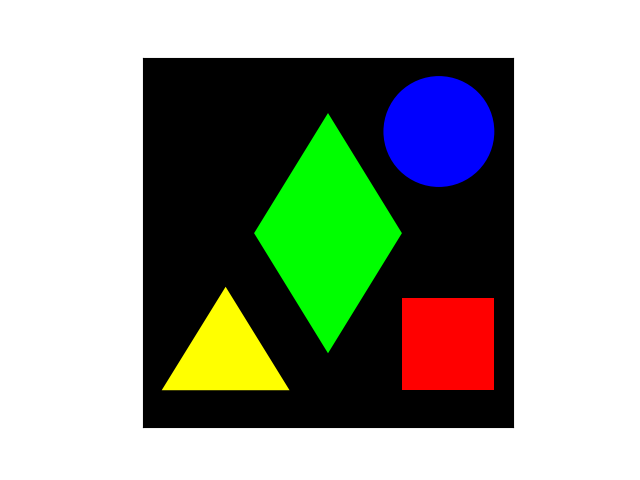
E7.18Some colourful shapes
This code produces an image of some colourful shapes.
colourfulshapes
import numpy as np
import matplotlib.pyplot as plt
from matplotlib.patches import Polygon, Circle, Rectangle

red, blue, yellow, green = "#ff0000", "#0000ff", "#ffff00", "#00ff00"
square = Rectangle((0.7, 0.1), 0.25, 0.25, facecolor=red)
circle = Circle((0.8, 0.8), 0.15, facecolor=blue)
triangle = Polygon(((0.05, 0.1), (0.396, 0.1), (0.223, 0.38)), fc=yellow)
rhombus = Polygon(
    ((0.5, 0.2), (0.7, 0.525), (0.5, 0.85), (0.3, 0.525)), fc=green
)

fig, ax = plt.subplots()
ax.set_facecolor("k")
ax.set_aspect("equal")
for shape in (square, circle, triangle, rhombus):
    ax.add_artist(shape)
ax.xaxis.set_visible(False)
ax.yaxis.set_visible(False)

plt.show()